
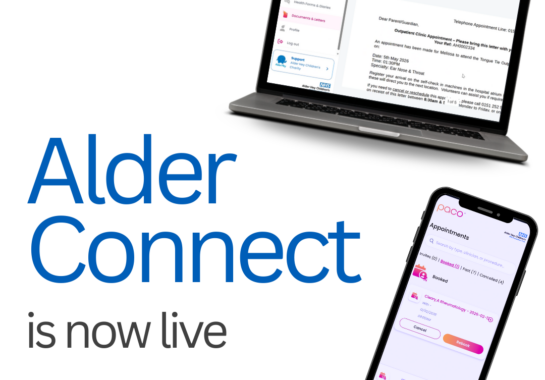
Alder Connect is a revolutionary new way for parents and carers to access and manage their child’s care
We’re really pleased to share that Alder Connect, our new Patient Portal, is now live, making it easier to manage your child’s care.
Alder Connect, built in partnership with Blinx, is a simple, secure and exciting way for families to access and manage parts of their child’s care with us, all in one place, transforming how families manage and stay connected to their child’s care.
You will be able to:
- Check your child’s upcoming appointments
- Confirm, cancel or request to rebook appointments
- View your child’s allergy information
- Access any future clinical letters
With more features to follow later.
How to get started
To use Alder Connect, you’ll need to register using a link we send you by text message.
If you have an upcoming appointment, you should have already received your text. If not, don’t worry, you’ll receive one before your appointment.
When you get your message, just follow the link to register.
What you can do right now
Once you’re set up, you can:
- Check your child’s upcoming appointments
- Read clinic letters (from now on)
- Confirm, cancel or request to rebook appointments
- View your child’s allergy information
We’ll be adding more features over time to make things even easier for you and your family.
Keeping things up to date
To make sure you receive your text message and future updates, please check that your contact details are correct with your GP.
For more information, go to our dedicated FAQ pages – https://www.alderhey.nhs.uk/services/patient-portal-alder-connect/